Anki can import text files, packaged Anki decks created by the export feature and Mnemosyne 2.0 .db files. To import a file, click the File menu and then “Import”.
Walkthrough
Importing Decks and Text Files
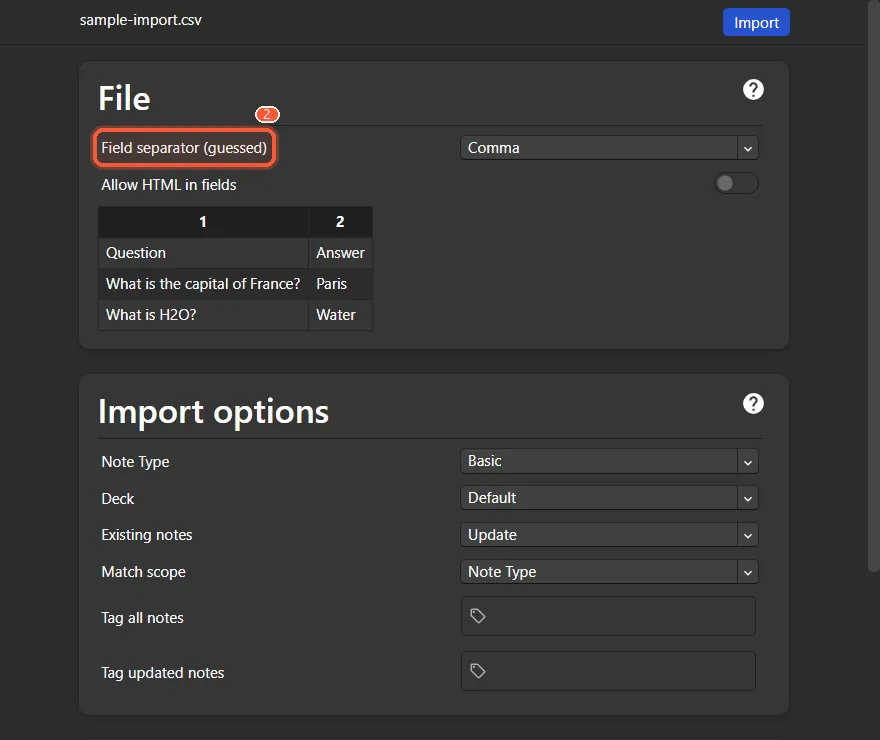
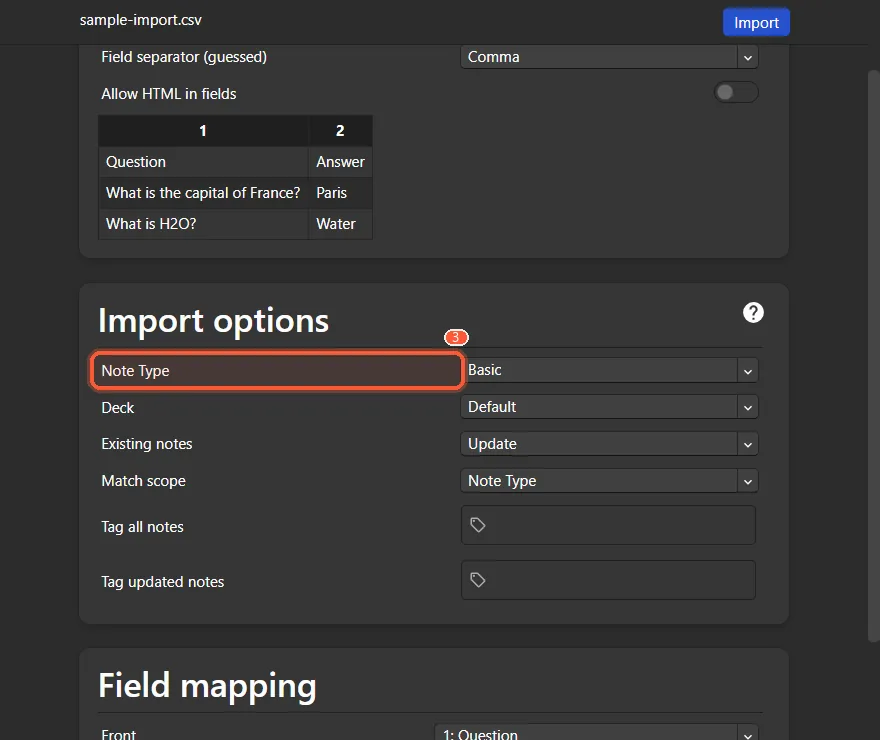
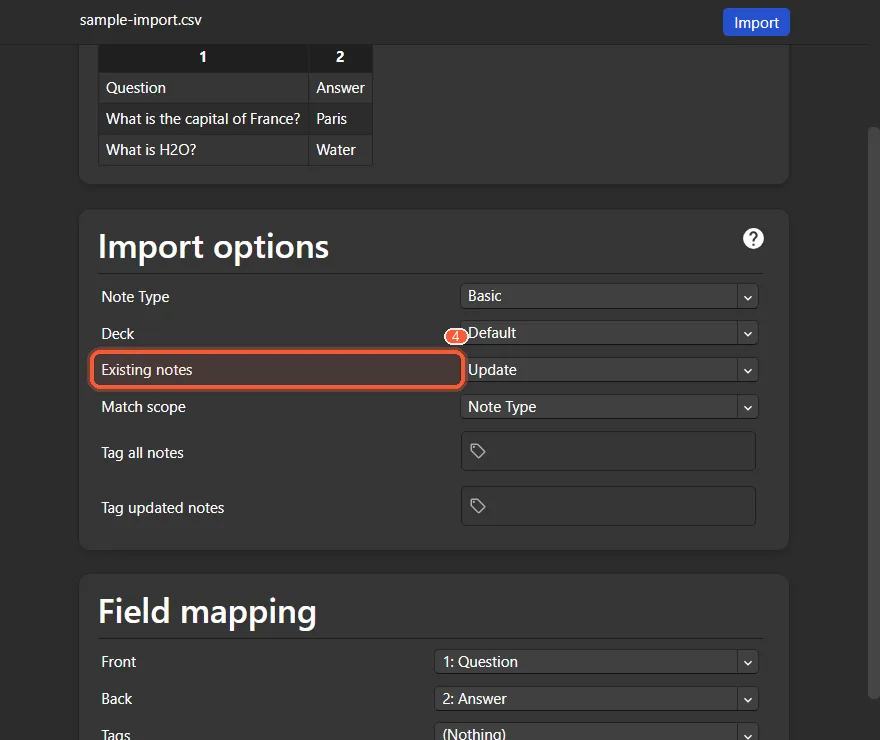
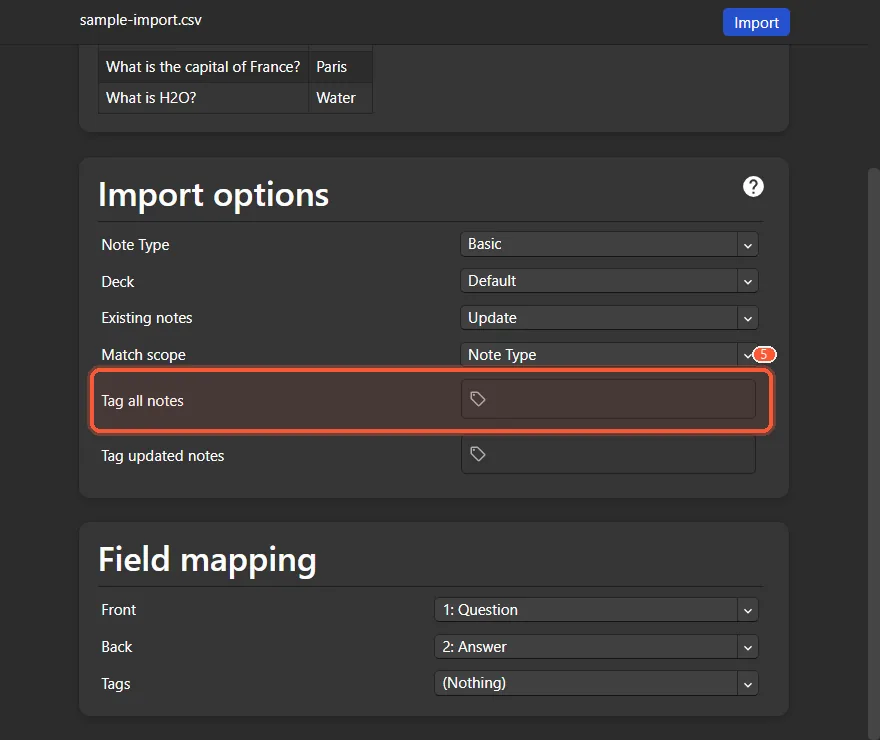
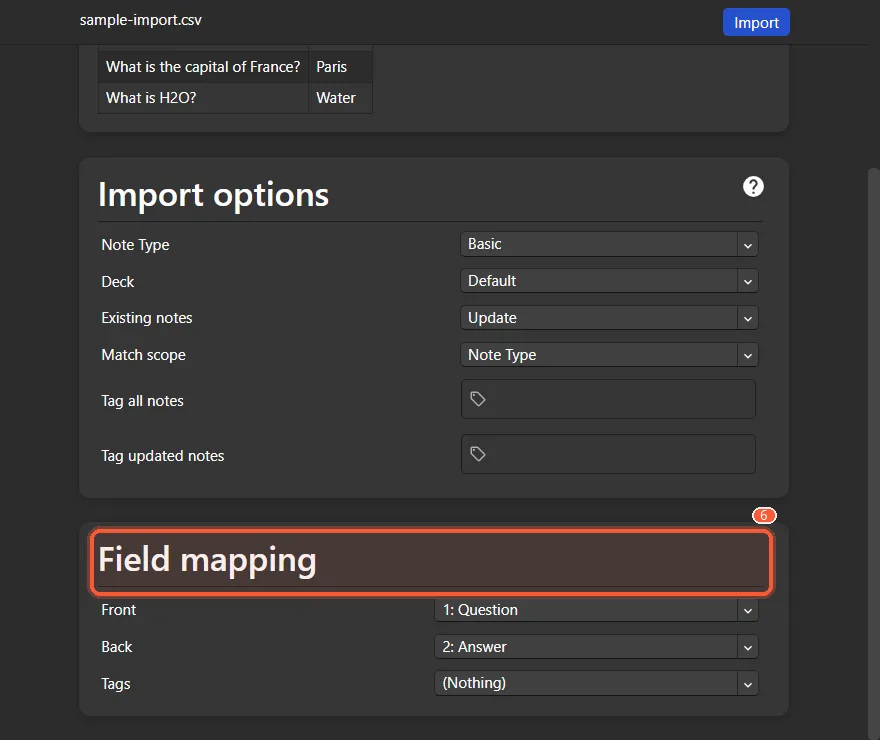
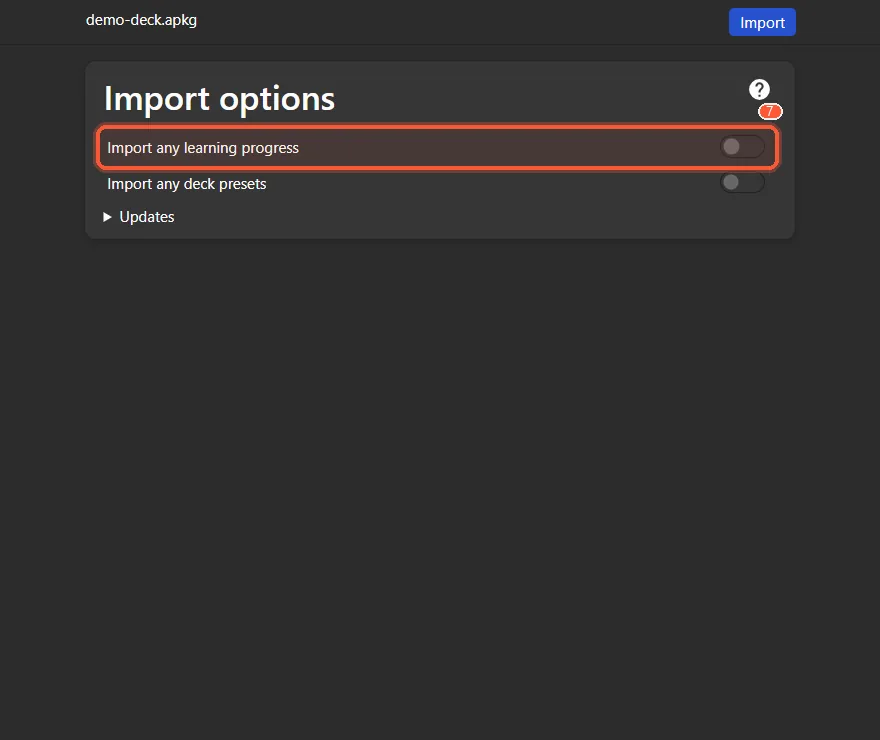
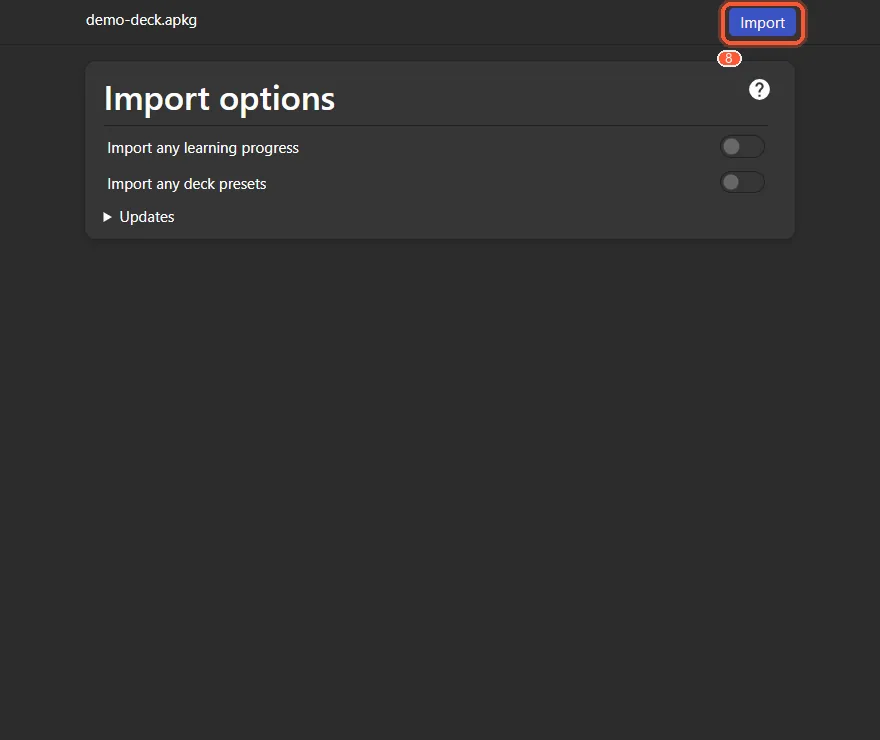
Configure separators, duplicate matching, tags, field mapping, and packaged deck options on the built-in Import screen.
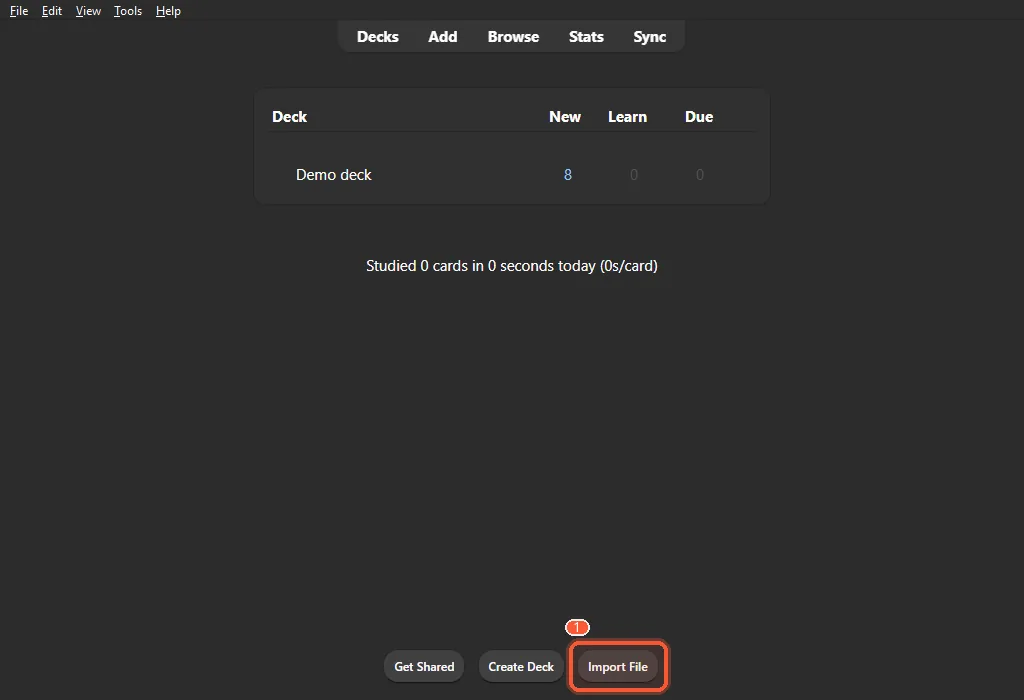
Step 01: Click Import File on the Decks Screen
Click Import File at the bottom of the Decks screen (or choose File > Import… / Ctrl+Shift+I).
Step 1 of 8