Use nested deck names (Parent::Child) and the Card Browser’s Change Deck action to organize decks and move cards without losing scheduling history.
flowchart LR
  Create["Create Deck (Parent::Child)"] --> Browser["Open Browser (B)"]
  Browser --> Select["Select Cards"]
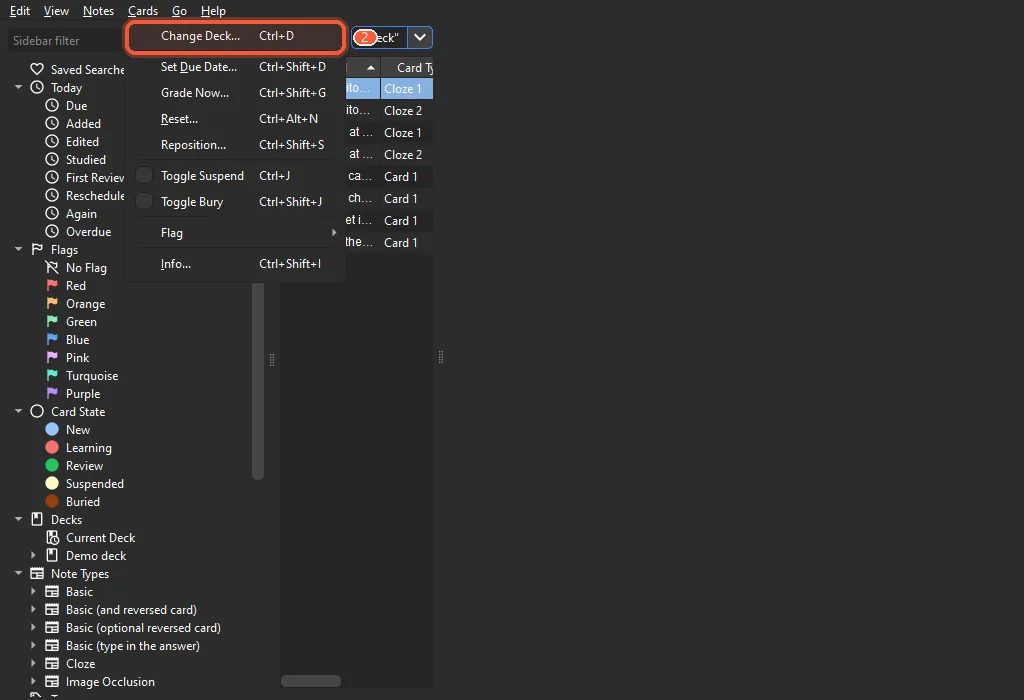
  Select --> Change["Cards > Change Deck (Ctrl+D)"]
  Change --> Target["Pick Target Deck"]
Walkthrough
Creating Subdecks & Moving Cards
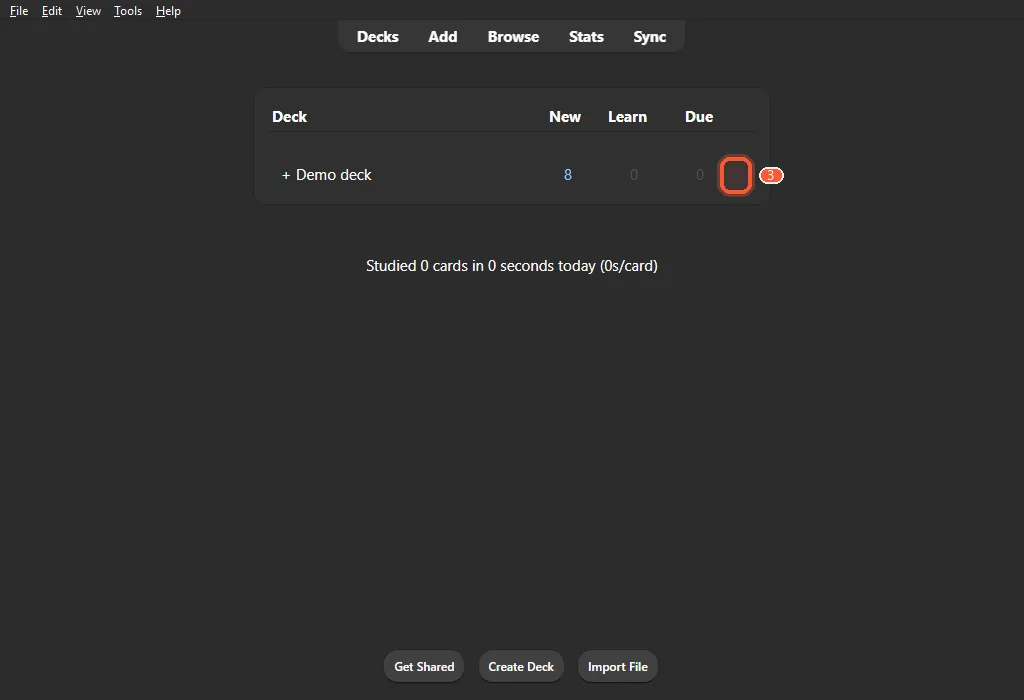
Create a nested subdeck with :: notation, move cards in the Browser, and rename decks from the gear menu.
Step 01: Create a Nested Subdeck
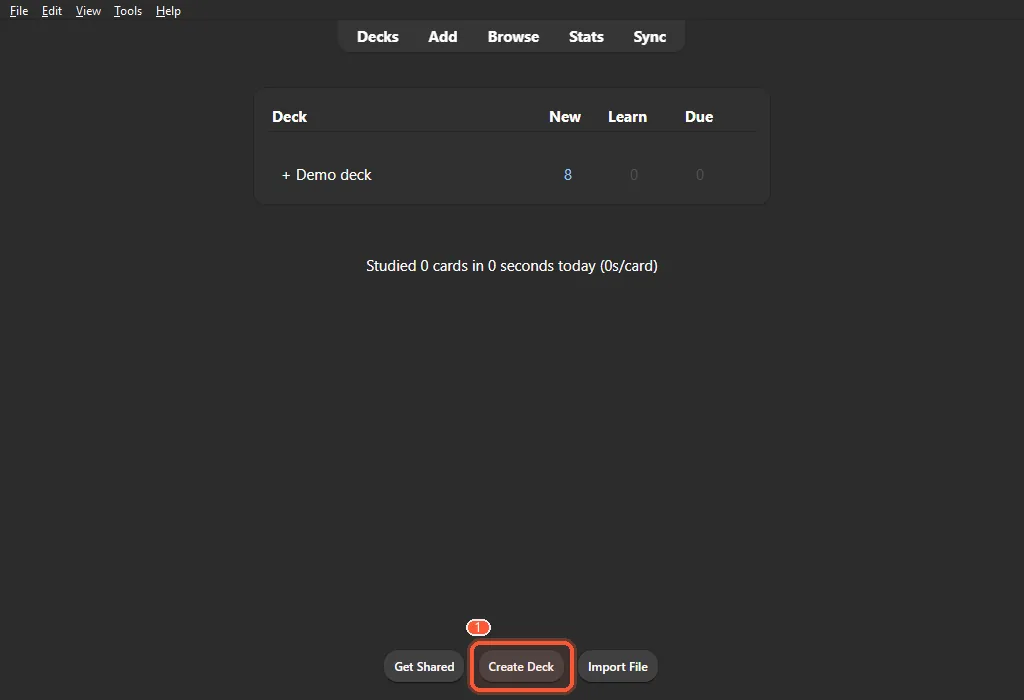
Click Create Deck at the bottom of the Decks screen and enter a Parent::Child name such as Demo deck::Subdeck to nest it inside Demo deck.
Step 1 of 3