Convert existing notes from one note type to another (for example, Basic to Basic (and reversed card)) and map their fields without re-entering data. For full details, see the official Anki Manual.
Conversion Workflow
flowchart LR
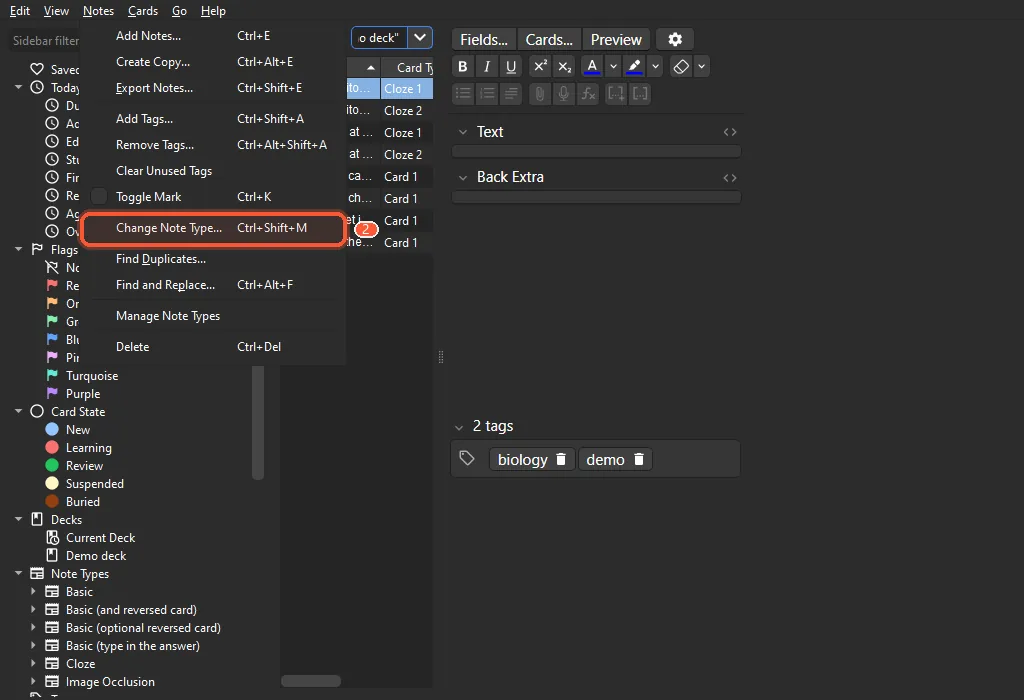
  Select["Select Notes in Browser"] -->|"Ctrl+Shift+M"| Menu["Notes > Change Note Type..."]
  Menu --> Target["Choose New Note Type"]
  Target --> Map["Map Fields & Save"]
Walkthrough
Changing Note Types on Existing Cards
Convert existing notes to another note type in the Card Browser and map their fields.
Step 01: Select Notes in the Browser
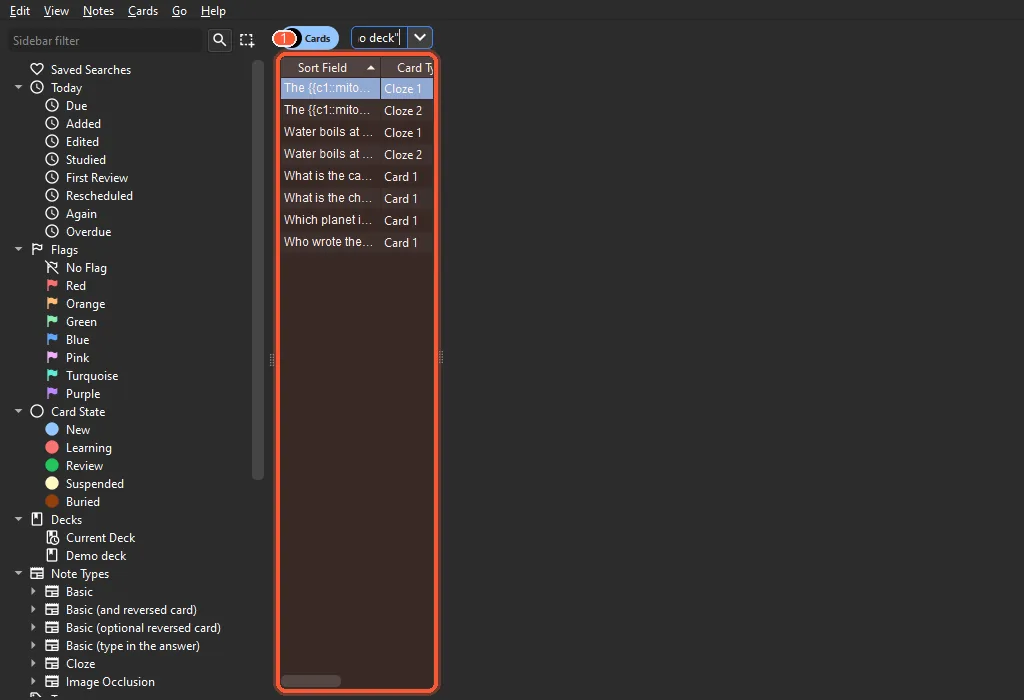
Open Browse (B), filter to the deck or notes you want to convert, and select one or more rows.
Step 1 of 2